AI-Powered Social Discovery & Matchmaking
Experience the future of dating with our advanced AI algorithms. Find your perfect match based on deep interests, lifestyle compatibility, and secure real-time connections.
Experience the future of dating with our advanced AI algorithms. Find your perfect match based on deep interests, lifestyle compatibility, and secure real-time connections.
Advanced Core ML algorithms analyze interests and behavior to predict deep compatibility.
End-to-end encrypted chat system with real-time video dating capabilities for safe connections.
HealthKit integration to match you with partners who share your fitness and lifestyle goals.
Location-based discovery with integrated MapKit for finding matches in your immediate area.
Advanced Vision framework to ensure profile authenticity and image quality for a premium experience.
Ad-free browsing, rewarded matches, and advanced filtering options for serious relationship seekers.
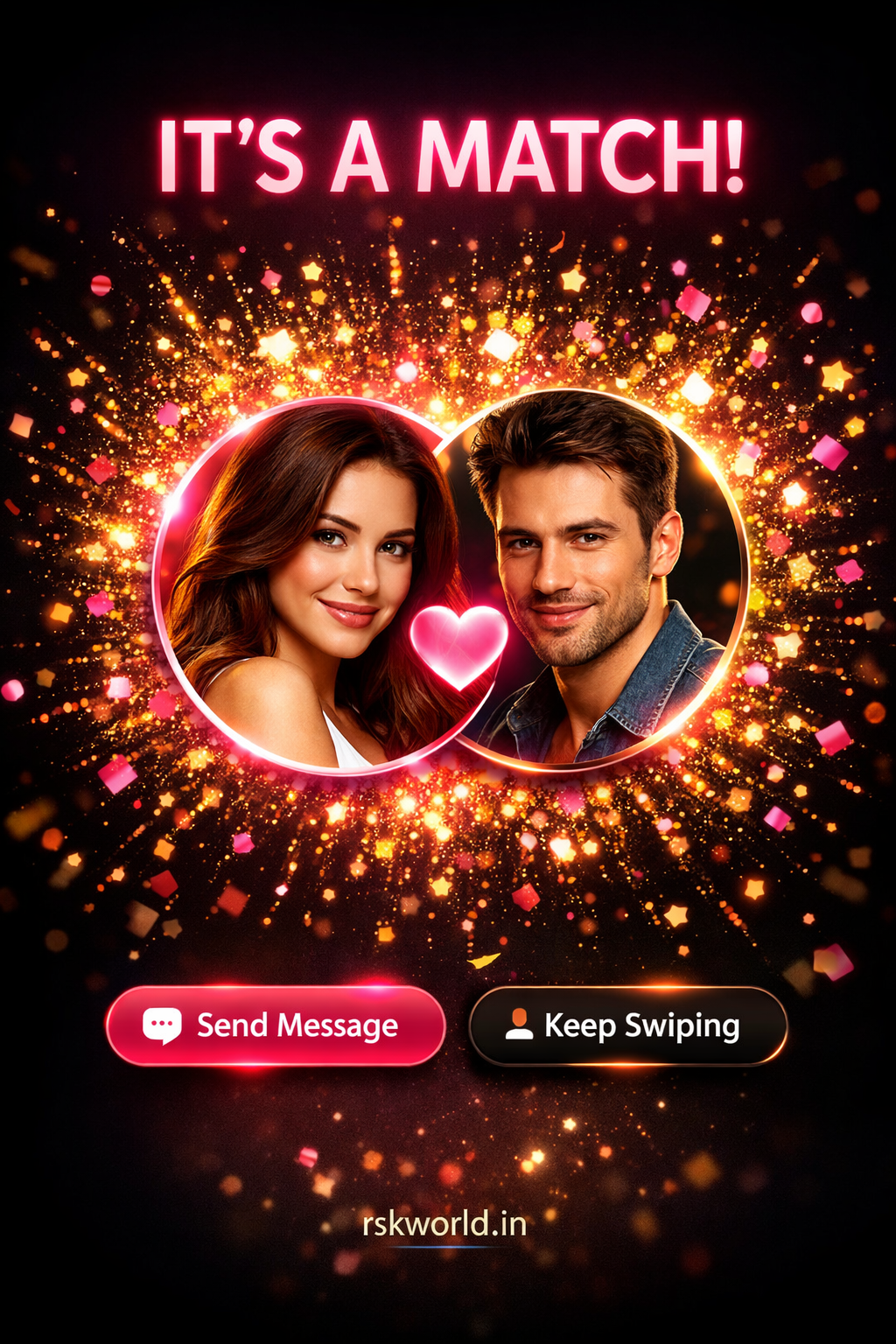
Beautiful, immersive match celebration animations for mutual likes and connections.
Granular control over age/distance visibility and incognito mode options.
RSK World blue badge verification system for authentic profiles.
Native banner and interstitial ad integration for revenue generation.
Tiered membership (Silver, Gold, Platinum) with exclusive features.
Advanced filtering by age, distance, and profile verification status.
Real-time engagement for new matches and messages.
Full support for localizable strings for global reach.
Clean separation of concerns with dedicated ViewModels for robust development.
Experience our advanced Core ML matchmaking engine with multiple compatibility filters and behavioral analysis.
Smart discovery filters with custom lifestyle slots, distance navigation, and intelligent positioning system.
Advanced real-time notification system for instant match alerts, secure messages, and profile interactions.
Touch-enabled image verification gallery with Vision framework analysis and profile quality controls.
Dating & Matchmaking App - Complete Project Structure

📁 Models/
   ├── User.swift           - Core user data model with compatibility scoring
   ├── Message.swift        - Secure messaging data structure
   └── Subscription.swift    - Premium subscription tiers management

📁 Views/
   ├── Home/               - Discovery and matching interfaces
   ├── Match/              - Match list and connection management
   ├── Chat/               - Secure messaging and video calls
   ├── Profile/             - User profile management and settings
   ├── Video/              - Video dating and communication
   ├── Launch/              - App launch and onboarding
   └── Onboarding/         - User registration and setup

📁 ViewModels/
   ├── UserViewModel.swift    - User state and business logic
   ├── ChatViewModel.swift    - Messaging and communication logic
   └── SubscriptionViewModel.swift - Premium features management

📁 Services/
   ├── AIService.swift        - Core ML matchmaking algorithms
   ├── VideoCallService.swift - AVFoundation video integration
   ├── LocationService.swift    - MapKit discovery services
   ├── HealthService.swift     - HealthKit lifestyle sync
   ├── SecurityService.swift   - End-to-end encryption
   ├── NotificationService.swift - Push notification management
   └── AdService.swift        - Native ad integration

🔧 Technologies:
   • Swift & SwiftUI      - Native iOS development
   • MVVM Architecture     - Clean code separation
   • Core ML & Vision    - AI-powered features
   • HealthKit & MapKit  - Lifestyle integration
   • StoreKit            - Premium subscriptions
   • Core Data           - Local data persistence
   • AVFoundation        - Video calling capabilities
# Clone the repository
git clone https://github.com/rskworld/anonymous-confession-app.git
cd anonymous-confession-app

# Navigate to backend directory
cd backend

# Install dependencies
npm install

# Set up environment variables
cp .env.example .env

# Edit .env file with your configuration
nano .env

# Start MongoDB (required)
mongod

# Start the backend server
npm run dev
# Navigate to mobile app directory
cd mobile-app

# Install dependencies
npm install

# iOS setup (optional)
cd ios && pod install && cd ..

# Start React Native development server
npm start

# Run on Android
npm run android

# Run on iOS
npm run ios

# Build for production
npm run build:android
npm run build:ios
# Archive for App Store
# Product -> Archive in Xcode

# Distribution settings:
# - Distribution method: App Store Connect
# - Team: Your Apple Developer Team
# - Bundle ID: com.yourcompany.datingapp

# App Store Connect setup:
# 1. Create new app in App Store Connect
# 2. Upload build
# 3. Configure app metadata
# 4. Submit for review

# Required permissions:
# - Camera (for profile photos)
# - Location (for discovery)
# - HealthKit (for lifestyle sync)
# - Notifications (for matches/messages)

# Production build settings:
# - Release configuration
# - Optimized for App Store
# - Code signed and notarized
Modern iOS development with declarative UI for high-performance user experiences.
On-device machine learning for privacy-first AI matchmaking and behavioral analysis.
Robust local data persistence for lightning-fast profile access and offline support.
Advanced computer vision for real-time profile image verification and quality analysis.
Integrated location services for accurate distance-based matching and discovery.
Lifestyle integration to synchronize fitness goals and activity-based compatibility.
Native iOS encryption for end-to-end secure messaging and user data protection.
Real-time push notifications for instant match alerts and messaging updates.
Perfect for small projects and personal use
Best for growing businesses and teams
For large organizations and custom needs